
Ever wondered what your iPhone knows about you? Spoiler alert: it’s a lot! From your favorite coffee shop to that one time you Googled “how to stop procrastinating” (we’ve all been there), your device keeps a detailed history. But fear not! Looking through this digital diary can be both enlightening and entertaining.
Understanding iPhone History
Reviewing iPhone history reveals a wealth of personal data collected over time. Information includes web browsing records, app usage, and location tracking. This data provides insight into individual habits and preferences.
Users can view their browsing history in Safari by accessing the app and tapping on the book icon. After that, selecting the clock icon displays a chronological list of visited websites. A straightforward way to revisit sites of interest surfaces here.
App usage statistics detail app interaction frequency. Users can navigate to Settings, then select Screen Time to examine daily and weekly usage. This feature allows individuals to identify which apps consume most of their time.
Location history gives users a glimpse into their movements. Accessing Settings, then Privacy, followed by Location Services, allows viewing significant locations. This helps in understanding travel patterns and routine places visited.
Messages and calls also contribute to iPhone history. The Phone and Messages apps store records of conversations and contact interactions. These logs assist users in reconnecting with people and recalling previous discussions.
Photos can serve as a visual history. The Photos app organizes images by date, location, and event, allowing for easy browsing through memories. Rummaging through old photos can often spark joyful recollections.
Collectively, these features highlight the iPhone’s role as a digital diary. Each category of data manages to tell a unique story, reflecting users’ day-to-day lives and choices. Understanding these elements enriches the interaction with technology, showcasing its capability to document and preserve personal history.
Accessing iPhone History
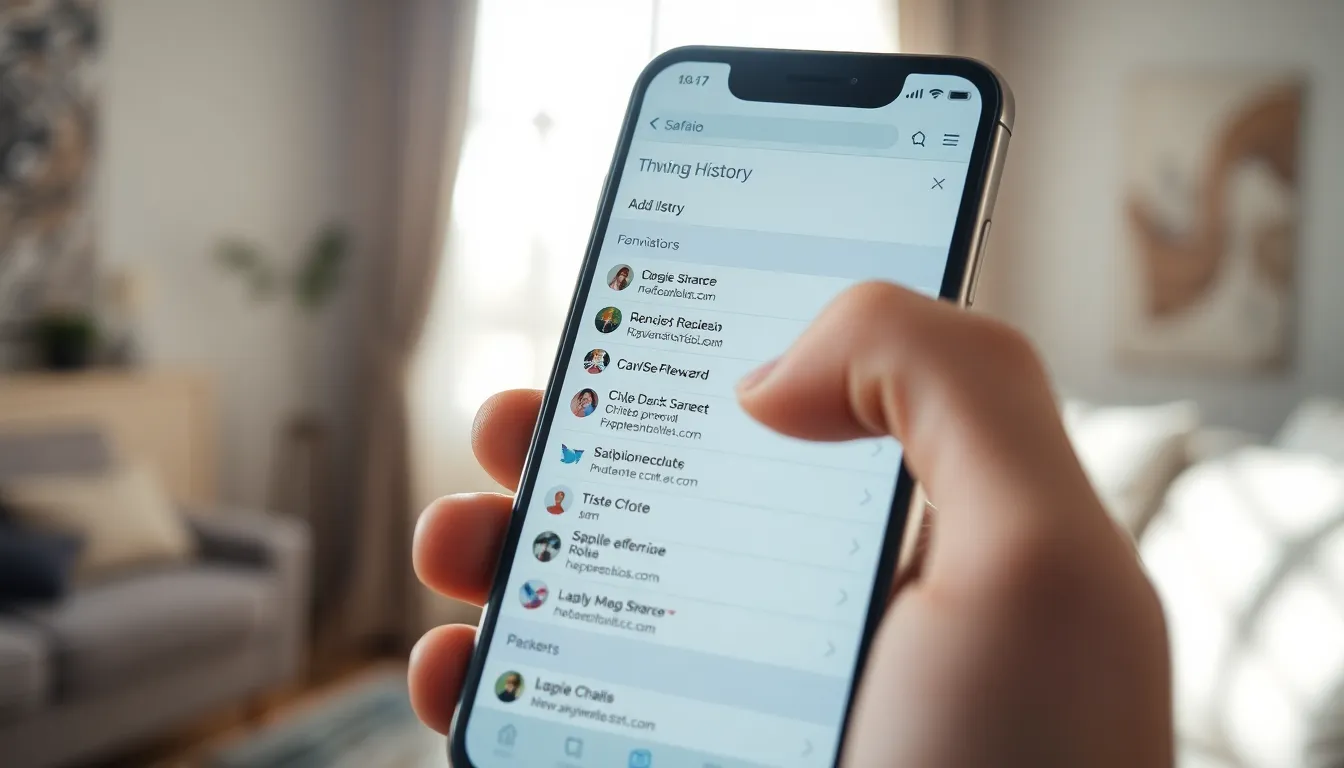
Accessing iPhone history reveals a wealth of information about usage patterns and personal preferences. Users can explore various features to gain insights into their digital interactions.
Viewing Safari Browsing History
To view Safari browsing history, open the Safari app. Tap the bookmarks icon, located at the bottom of the screen. Select the clock icon to view the history section. Users can scroll through the list of previously visited websites. Each entry displays the date and time it was accessed. Tapping on any entry opens the corresponding webpage, making it easy to revisit sites. For enhanced browsing privacy, clearing history is possible through the settings menu, found under Safari settings.
Checking App Usage History
Users can check app usage history using the Screen Time feature. Navigate to Settings and select Screen Time. This area provides detailed statistics on app usage, including time spent on each application. It categorizes apps, allowing for quick insights into how often they are utilized. A user can also set limits on app usage if necessary. The data covers daily and weekly summaries, making it straightforward to track trends over time. Regularly reviewing this information promotes better management of app usage.
Deleting iPhone History
Deleting history on an iPhone enhances privacy and makes navigating the device more streamlined. Understanding specific steps improves user experience and can prevent accidental data exposure.
Steps to Clear Safari History
Clearing Safari history starts within the app. Open Safari, tap the bookmarks icon at the bottom, and then select the clock icon for history viewing. Choose “Clear” at the bottom of the screen to see options for deleting history from the past hour, today, or all time. Selecting the desired timeframe will remove visited website records, ensuring browsing privacy is maintained.
Removing App Usage Records
To remove app usage records, access the Screen Time settings. Go to Settings, then tap on Screen Time. From there, choose “See All Activity” for a detailed view of recent app usage. Select “Remove Data” to clear specific app usage records or make adjustments to restrictions. This process helps users regain control over their app interactions and maintain a healthier digital lifestyle.
Managing Your Privacy
Managing privacy on an iPhone requires understanding the data it collects. Users can control their digital footprint through various settings and features. Accessing the Privacy section in Settings offers options to limit app permissions and data sharing.
Browsing history can be cleared easily within Safari. Users navigate to Settings, tap Safari, and select Clear History and Website Data to remove all traces of their browsing. Adjustments to location tracking prevent apps from accessing location history if not necessary.
Screen Time provides valuable insights into app usage. Users explore their time spent on apps, identifying habits that may require adjustment. Setting app limits can promote healthier usage patterns.
Additionally, users should review privacy settings regularly. Toggle options according to preferences, giving third-party apps less access if desired. Regularly checking these settings ensures better control over what information gets shared.
iPhones also include the option to disable significant location history. This feature helps manage the amount of location data stored over time. Users can adjust settings under Privacy > Location Services, ensuring minimal tracking occurs.
Organizing memories through the Photos app can feel insightful, but limiting sharing options protects privacy. Users should revisit sharing settings periodically, ensuring photo albums remain private.
Finally, staying informed about privacy updates from Apple can enhance users’ understanding. Regular updates may introduce new privacy features or enhance existing ones. Following these practices helps users maintain control over their personal data.
Understanding iPhone history opens up a world of insights into personal data and digital habits. By exploring features like Safari browsing history and Screen Time statistics, users can gain a clearer picture of their interactions with their devices. This knowledge not only enriches their experience but also empowers them to make informed decisions about privacy and data management.
Regularly reviewing and clearing this history is crucial for maintaining a healthy relationship with technology. By taking control of privacy settings and managing app permissions, users can navigate their digital lives with confidence. Staying proactive about these practices ensures a balanced and secure digital presence, allowing users to enjoy their iPhone while safeguarding their personal information.